
I love the Ratta Supernote e-ink devices. They are a delight to use for writing, planning and all sorts of things. Writing things out by hand helps me connect with them on a deeper level because I need to choose the words more carefully than I would when typing, simply because of the speed difference. The Supernote’s onboard handwriting recognition works really well for my handwriting style.
At work I also love using Logseq, an open source personal knowledge management tool and outliner. I use it to write down things I learn and ideas I have, then connect things together in interesting ways in order to gain deeper understanding.
That’s the experience I wanted on the Supernote. Then I discovered Zettelkasten and knew it was what I wanted to use. ZK is a paper-based method and there have been adaptations to all sorts of environments, both physical and virtual. When I started I found it difficult to figure out how to make it feel native on a Supernote.
I also knew I wanted to be able to export my Supernote Zettelkasten as text in case I wanted to process it on a computer in different ways, or even run an AI assistant on it.
My first attempt was pretty messy! I’d create a new handwritten notebook file for each idea. Each filename had a timestamp (pre-filled by Supernote when you create a new file) along with a short title.
I found pysn-digest, a tool which is able to convert Supernote notebooks into Markdown files. So I worked out an elaborate system in which each notebook (each idea) had a level one heading for the title, then level two headings for metadata field names like “type” or “relates to”, then a level one heading again to start the content. The filenames were handwritten (timestamps and all) and I made them links to the idea files. It was really process-heavy and I didn’t stick with it for long before realising I needed to improve it.
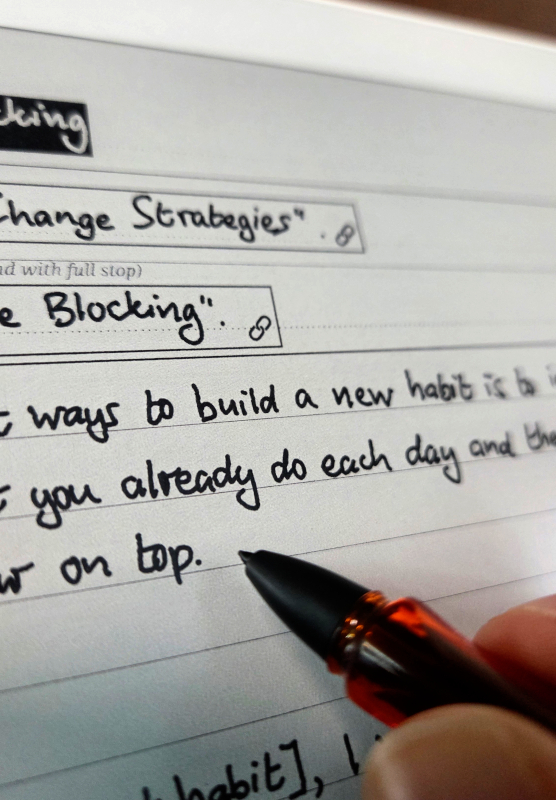
Many months later I have evolved this system into a framework I’m really pleased with. It uses only level one headings and all the ideas can be in a single notebook (or split across notebooks if preferred). There are no complicated timestamps or numbering systems, only unique titles.
Idea notes can link together arbitrarily but also cluster together neatly, as well as nest as deeply as I need them to. I don’t have to keep to the Supernote’s native limit of four heading levels. And thanks to a system of templates and stickers I designed, I can easily see how deep in the tree I am, even from the pages overview. This means it is fast to insert a new idea note into the right place.
I’ve called it Slipstream. If you have a Supernote and want to skip the trial and error, I’ve packaged the entire framework (PDF user guide, templates, stickers, quick reference and notebooks) into a ready-to-use kit. Download the full Slipstream kit here.
Leave a Reply