Slipstream: The Zettelkasten Supernote Framework

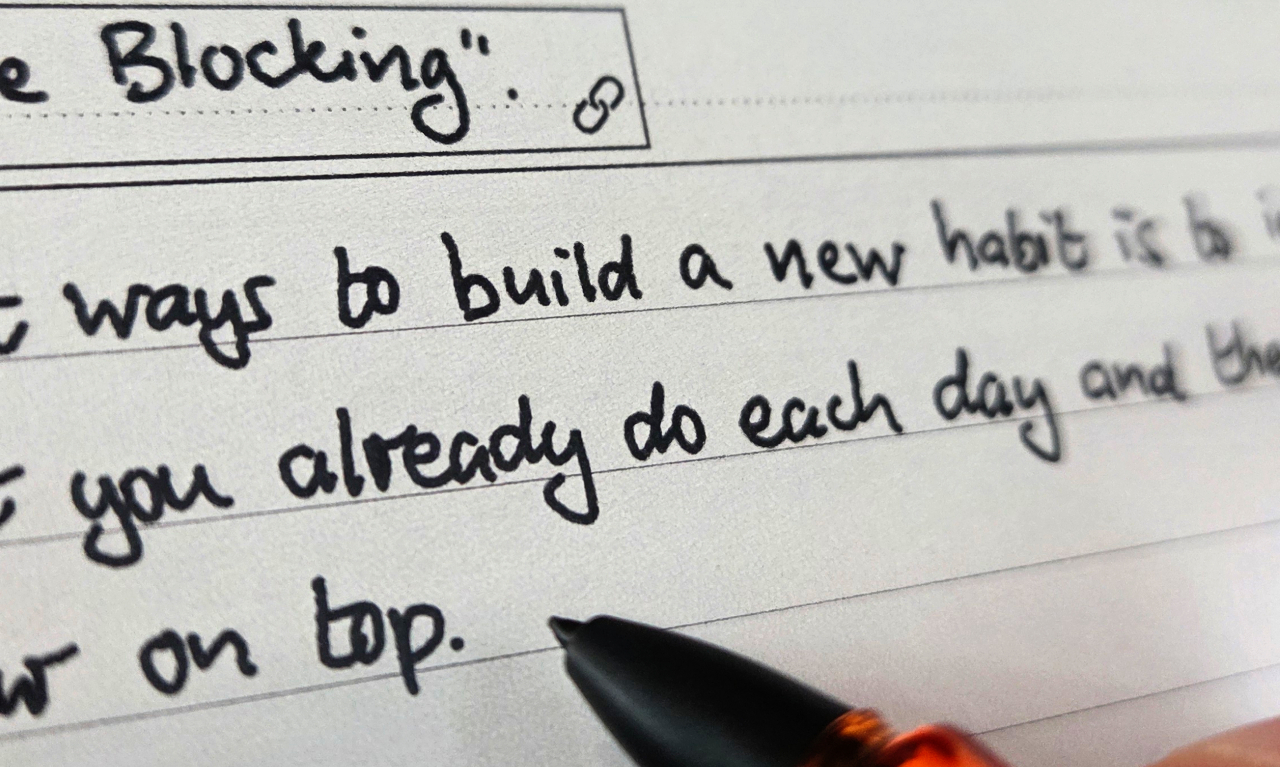
The Ratta Supernote e-ink devices are fantastic. You can write on them with a stylus and it feels very similar to writing on paper.

I developed a framework to capture thoughts and ideas, connected in both a tree and a network, on my Supernote using a method based on Zettelkasten.

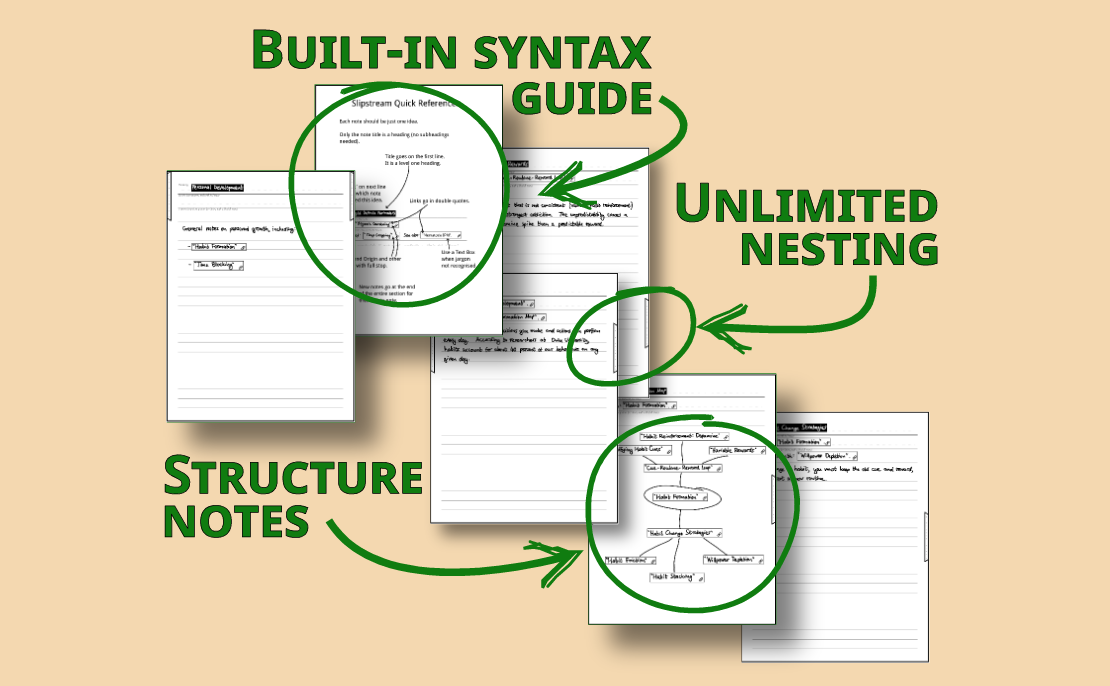
On a Supernote you can turn handwriting into headings so they show up in the table of contents in your notebook, but only four levels of heading. My framework allows you to nest as deeply as you like by combining a set of templates with stickers. It means you can see where you are in the tree from the overview thumbnails, which makes page insertion fast even for deeply nested trees.
This framework has solutions for:

  • Making each note uniquely identified and addressable, without the need for complex numbering systems or timestamps
  • Having a main tree of ideas with as may nested levels as you want
  • Easily reading off the depth within the tree, even from the pages overview
  • Extending the tree to a network of ideas, linking any note to any other note
  • Finding the right place to insert new notes quickly
  • Storing and referencing bibliographic details
  • Visualising the network of ideas with mind maps which “zoom in”
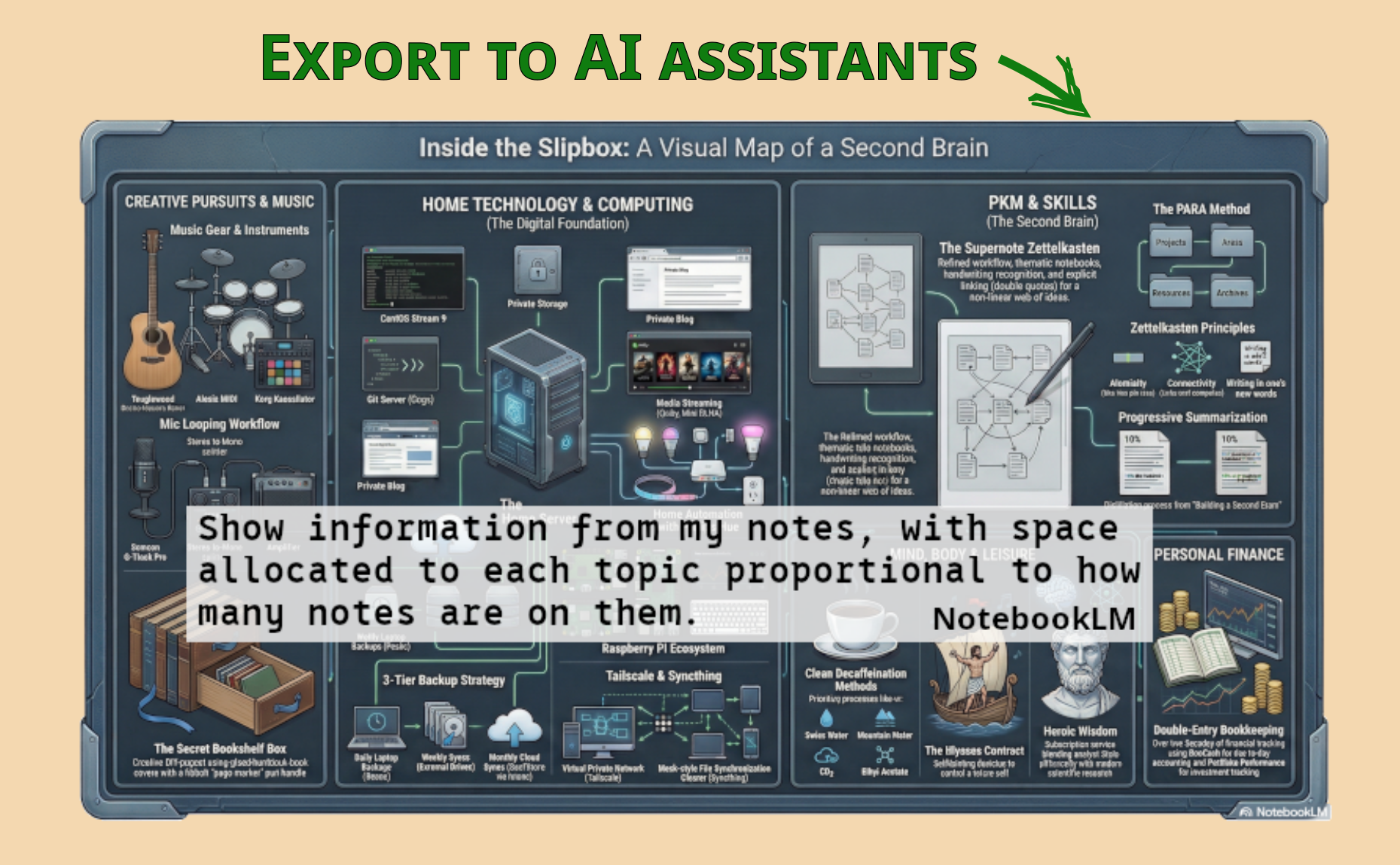
  • Making it easy for an LLM/AI assistant to make sense of all your notes from a native text export

Changes

  • v1.6 (Mar 1, 2026)
    • Updated user guide to make sense as a standalone purchase
  • v1.5 (Feb 27, 2026)
    • Small improvement to the source reference format
    • User guide improvements:
      • more comprehensive description of the digest workflow
      • retaining source material page numbers via literature notes
  • v1.4 (Feb 22, 2026)
    • Renamed Fleeting.note to Drafts.note
    • Introduced Literature Notes and Source Records, as well as describing how the Digest feature fits in
    • User guide improvements:
      • better typographic consistency
      • improved readability using lists
      • Added a glossary
  • v1.3 (Feb 18, 2026)
    • Rearranged content in PDF to allow a longer preview
  • v1.2 (Feb 13, 2026)
    • Nomad templates and notebooks added
    • Additional explanations in the user guide, including options for exporting to Markdown

Comments

10 responses to “Slipstream: The Zettelkasten Supernote Framework”

  1. Tariq avatar
    Tariq

    Is it possible to see this system in action? If the system is something you want people to pay for, is it possible to offer the 20 page start guide and reference sheet without the templates and stickers? Are the 18 templates per size (A5 and A6) or a total that is really 9 templates for either A5 or A6?

    Also, are there instructions in backing up this system by converting to markdown and retaining handwritten notes?

    1. Tim Waugh avatar

      Hi Tariq,

      Thanks for asking about it.

      Since the PDF guide is the main part of the content (it’s the process to follow) and the templates and stickers would be puzzling without it, let me look at adding ways to show the system in action.

      The templates are (for the moment) all for Manta. I have Nomad format versions and will test them and make them available this week. Anyone who’s already bought the kit will be given access to these. The 18 templates are blank, dotted and lined versions of 6 templates. Those 6 templates are very similar to each but include an element for tracking depth.

      The guide has a section about exporting notes as plain text. Exporting to Markdown needs additional tooling such as sn2md or pysn-digest, which have their own documentation. Markdown export is not covered in the guide, although the conventions used by Slipstream make plain text export sufficient for a lot of AI-related uses. Do you think it would make sense to add a section about Markdown export?

      1. Tariq avatar
        Tariq

        Thank you for getting back! Yes, it does make sense. I personally use Markdown in my digital notetaking (Obsidian/Zotero) and am familiar with it. I think if that guide was in this system I would definitely buy it just for the clarity in “how to” do it and how to keep my notes accessible on and off the device. I’m not familiar with using AI-tools to organize notes, but want the export function to .Md for more manual connection making in Obsidian.

        This is a really exciting product! Thank you for answering my q’s, I am looking forward to seeing it in action!

        1. Tim Waugh avatar

          OK, I’ve added Nomad support and also another picture to show a little of what it looks like in action.

          I’ve also added a comparison of Markdown conversion tools to the user guide. It doesn’t go into depth on this because I generally find the plain text output sufficient for how I use it.

          Thanks for your comments. Yes, I’m excited about it myself too!

  2. Gary oliver avatar
    Gary oliver

    Please can you do a quick video of making some ZK notes and then reviewing so I can grasp how it works
    or
    providing access to the full pdf

    USD23 is not a small amount

    warm regards/gary

    1. Tim Waugh avatar

      Hi Gary,

      I understand the hesitation. The PDF is the main product working in conjunction with the stickers and templates, with the note files demonstrating the framework, so I can’t really make that available in itself. A video is a good idea. I’ll see if I can put one together soon.

      There is a preview of the PDF on the Payhip page but I’ve added one here too (see above). I updated it to include a few more pages in addition to the table of contents, so that hopefully you get more of an idea of what’s involved.

    2. Tim Waugh avatar

      I’ve made some updates. No video yet as it needs some planning, but the PDF is now available as a standalone thing for a reduced amount.

  3. Gary avatar
    Gary

    Thanks, Tim, much appreciated, so please let me know when I can view the video

    I see in one of you pix you use PARA. I guess you know that isnt part of ZK because it isnt granular enough to allow the “slicing and dicing” which produces the connections

    1. Tim Waugh avatar

      Yes. Slipstream doesn’t use PARA. I made some notes *about* PARA using Slipstream, so you’re seeing a representation of that.

      1. Gary avatar
        Gary

        Thanks for clearing that up – much appreciated!

Leave a Reply

Your email address will not be published. Required fields are marked *